Mixing the wrong medications can lead to more than just a stomach ache; it can be life-threatening. With nearly half of adults over 65 taking five or more medications daily, the risk of drug interaction checker errors is a growing concern. While your pharmacist is your best resource, having a digital safety net in your pocket can help you spot red flags before they become emergencies. Whether you're managing a chronic condition or just taking a few supplements, knowing how to navigate these tools can save you from avoidable hospital visits.
| App Name | Primary Audience | Key Strength | Access Model |
|---|---|---|---|
| Epocrates | Healthcare Pros / Patients | Speed and Pill ID | Freemium |
| Lexicomp | Hospital Pharmacists | Offline depth & IV data | Subscription |
| Drugs.com | General Consumers | Free, easy-to-use database | Free (Ad-supported) |
| UpToDate | Clinicians | Overdose & Clinical context | Institutional/Paid |
Getting Started: Choosing the Right Tool
Not all pharmacy apps are built the same. If you are a patient looking for a quick check, a consumer-facing tool like Drugs.com is a great starting point because it's free and straightforward. However, if you're managing complex polypharmacy-where you're taking a dozen different pills-you might need something with more clinical depth.
For those who need professional-grade accuracy, Epocrates is often cited as the gold standard for speed. It's used by over a million healthcare professionals to quickly spot contraindications. Then there's Lexicomp, which is a beast of a database. It's less about a "quick check" and more about deep-diving into pharmacology, making it a favorite in hospital settings where IV compatibility and dosing are critical.
How to Actually Track Interactions (Step-by-Step)
Using these apps isn't as simple as typing in one drug. To get an accurate safety profile, you need to create a complete digital snapshot of everything entering your body. Here is the most effective workflow:
- Input Every Substance: Don't just list your prescriptions. Add over-the-counter (OTC) meds, vitamins, and herbal supplements. Many people forget that St. John's Wort or high-dose Vitamin K can interfere with prescription blood thinners.
- Use Smart Entry Tools: If you aren't sure what a pill is, use a camera-based identifier. Epocrates has a pill ID tool that lets you search by color, shape, and imprint, which is a lifesaver when you find a loose pill in a travel bag. Some newer versions of UpToDate even allow voice input to speed up the process.
- Run the Checker: Once your list is complete, trigger the interaction check. The app will cross-reference your list against thousands of monographs.
- Interpret the Severity: Most apps categorize risks into four tiers: Contraindicated (do not take together), Major (high risk, requires immediate action), Moderate (monitor closely), and Minor (unlikely to cause serious harm).
Decoding the Results: What Do the Warnings Mean?
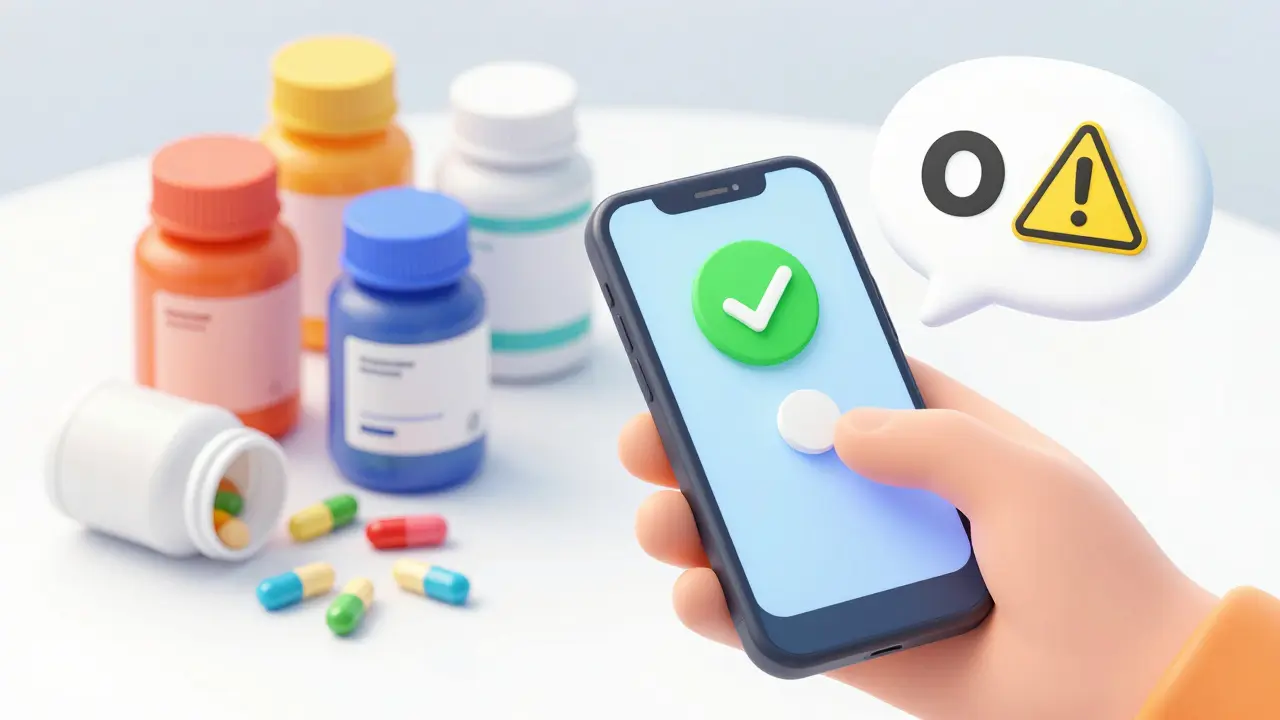
Seeing a red "Major Interaction" warning can be scary, but don't panic. An interaction doesn't always mean you must stop the medication immediately; it means the drug's effect might be changed. For example, one drug might make another more potent (increasing the risk of side effects) or render it completely ineffective.
Professional tools like Micromedex provide detailed clinical management suggestions. They won't just say "Danger," but will explain why it's happening and how a doctor might adjust the dose to mitigate the risk. If you're using a free app, remember that some consumer tools can miss up to 30-40% of significant interactions compared to professional databases. Always use the app as a conversation starter with your doctor, not as a final medical decree.
Pitfalls and Pro Tips for Better Accuracy
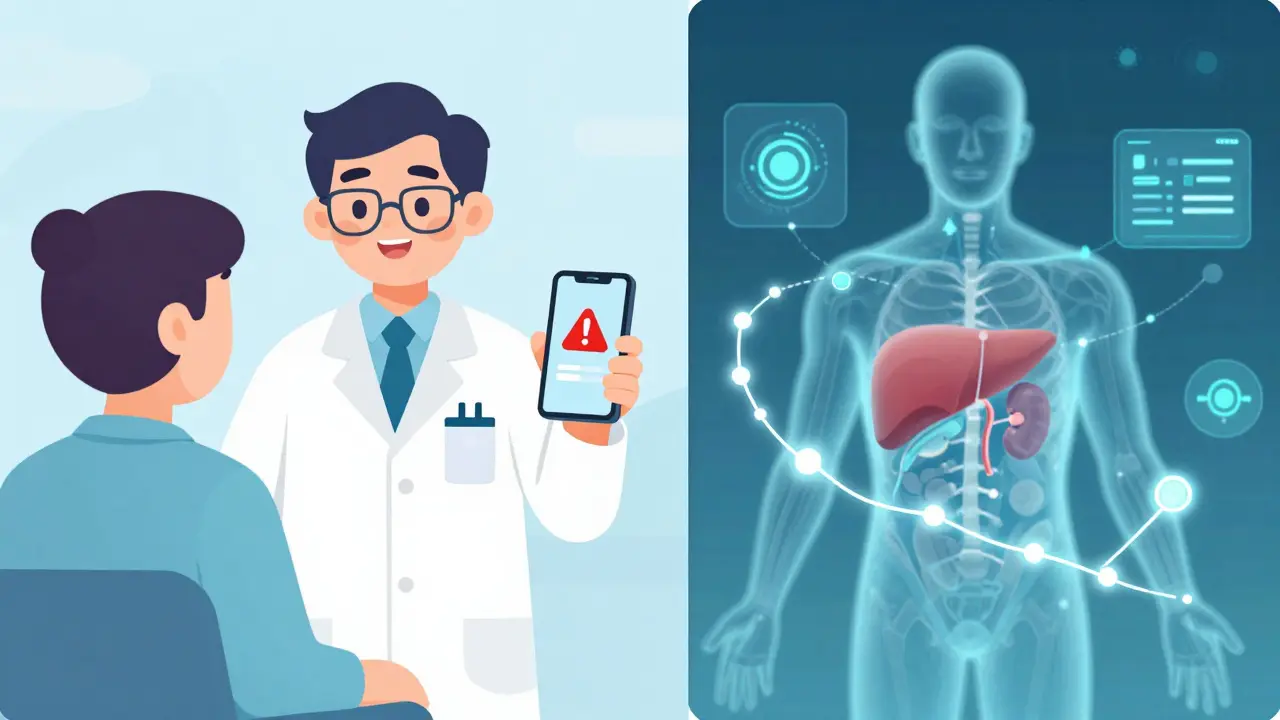
The biggest mistake people make is treating these apps as a "set it and forget it" solution. Medications change, and so do your health conditions. A drug that was safe two years ago might become risky if you develop a new kidney or liver issue, as these organs process your meds.
To get the most value, try the "Double-Check Method." If you see a concerning interaction in a free app, verify it with a second source. Using Epocrates for speed and Micromedex for depth is a strategy often recommended by pharmacists to ensure nothing slips through the cracks. Also, be wary of pop-up ads in free apps; they can be distracting and may lead you to misleading health claims during a critical check.
The Future of Med Tracking: AI and Beyond
We are moving toward a world where your phone knows your biology. Recent updates in 2023 and 2025 have introduced machine learning that predicts interactions based on a patient's specific comorbidities. Instead of just saying "Drug A interacts with Drug B," the AI can suggest that "Drug A may be risky for you because of your history of hypertension."
We're also seeing a shift toward age-specific tracking. For instance, mySeniorCareHub focuses on how metabolism changes as we age, which is crucial because seniors often process medications more slowly, increasing the risk of toxicity.
Are free interaction checkers safe to use?
They are great for a first pass, but they aren't foolproof. Some studies show free consumer apps can miss a significant percentage of clinically relevant interactions. Use them to flag potential issues, but always confirm the results with a licensed pharmacist or doctor.
Can these apps track interactions with food and alcohol?
Yes, many professional-grade apps include food-drug and drug-alcohol interactions. For example, they can warn you about the "grapefruit juice effect," where certain citrus fruits block enzymes needed to break down specific statins or blood pressure meds.
What is the difference between a "Major" and "Contraindicated" interaction?
"Contraindicated" is the highest level of warning; it means the drugs should almost never be used together because the risk outweighs any possible benefit. "Major" interactions are serious and can be life-threatening, but they may be managed if a doctor carefully monitors the patient or adjusts the dosage.
How often should I update my medication list in the app?
You should update your list every time you get a new prescription, start a new supplement, or change a dosage. Even a change in the dose of a current medication can alter how it interacts with other substances in your system.
Do these apps work offline?
It depends on the app. Some, like Lexicomp, allow you to download the entire database to your device for offline use, which is essential for healthcare workers in hospitals with dead zones. Most consumer apps, however, require an active internet connection to query their servers.
Next Steps for Your Safety
If you've just discovered a potential interaction using an app, do not stop taking your medication immediately-this can be dangerous. Instead, take a screenshot of the app's warning and send it to your provider or bring it to your next pharmacy visit. For those managing meds for a parent or spouse, look into apps with caregiver sync features, which allow multiple people to monitor the same medication list in real-time to prevent double-dosing or missed interactions.